New Version Registration
Below are the procedures for registering the new TDP stack version in Ambari:
-
In the Ambari web interface, access the "Stack and Versions" page from the side menu, click the "VERSIONS" tab, and then click the "MANAGE VERSIONS" button.
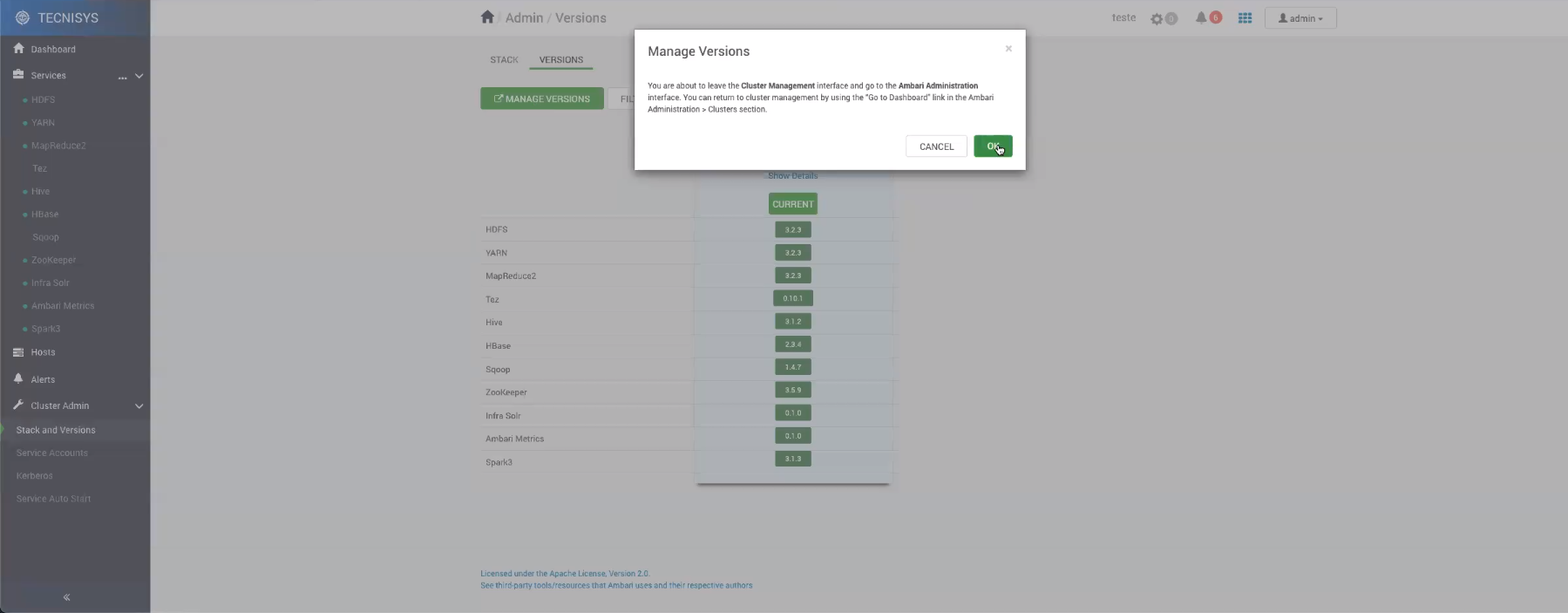 Figure 1 - Redirect to the version administration area
 -
Confirm the redirect to the Ambari version administration area.
-
Select "Register Version".
 Figure 2 - Version administration area
 -
In the new version registration, enter the Base URL of the component repositories (TDP-3.0) and utilities (TDP-UTILS-3.0).
Figure 3 - New version registration -
Save the changes.
-
Next, the new TDP stack version will be available in the VERSIONS tab.
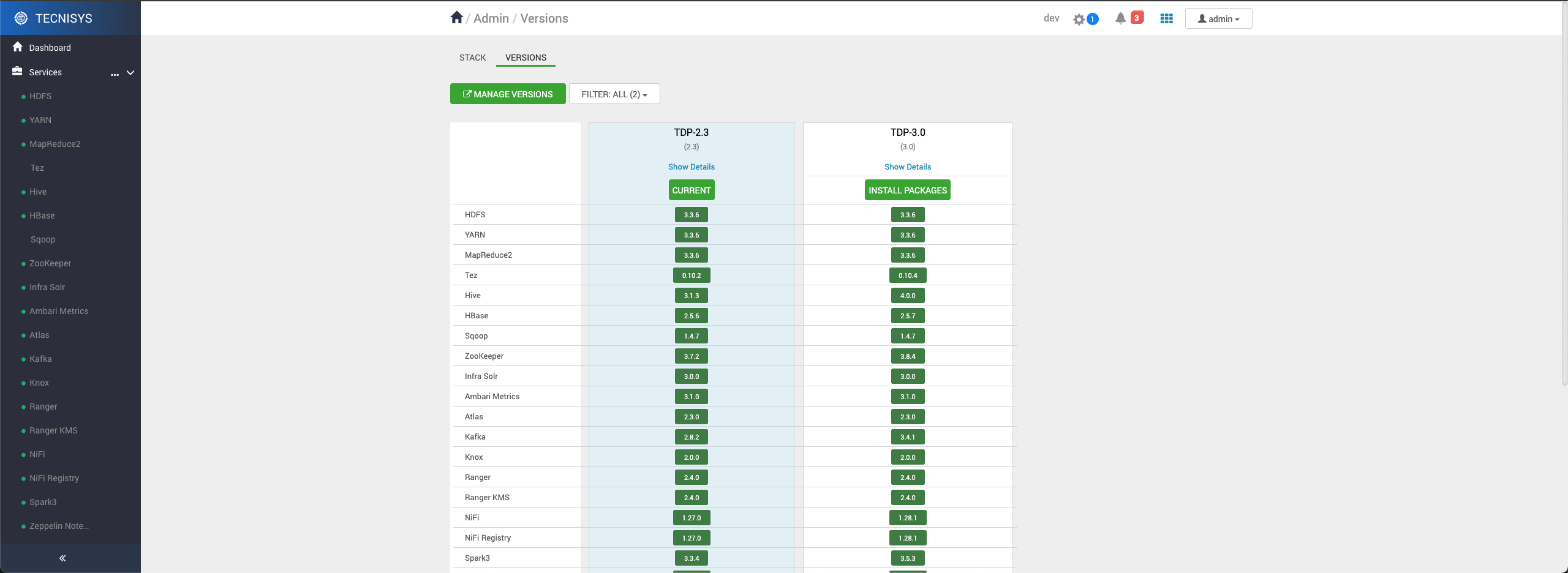 Figure 4 - New version available